
Will the charger need ongoing maintenance?
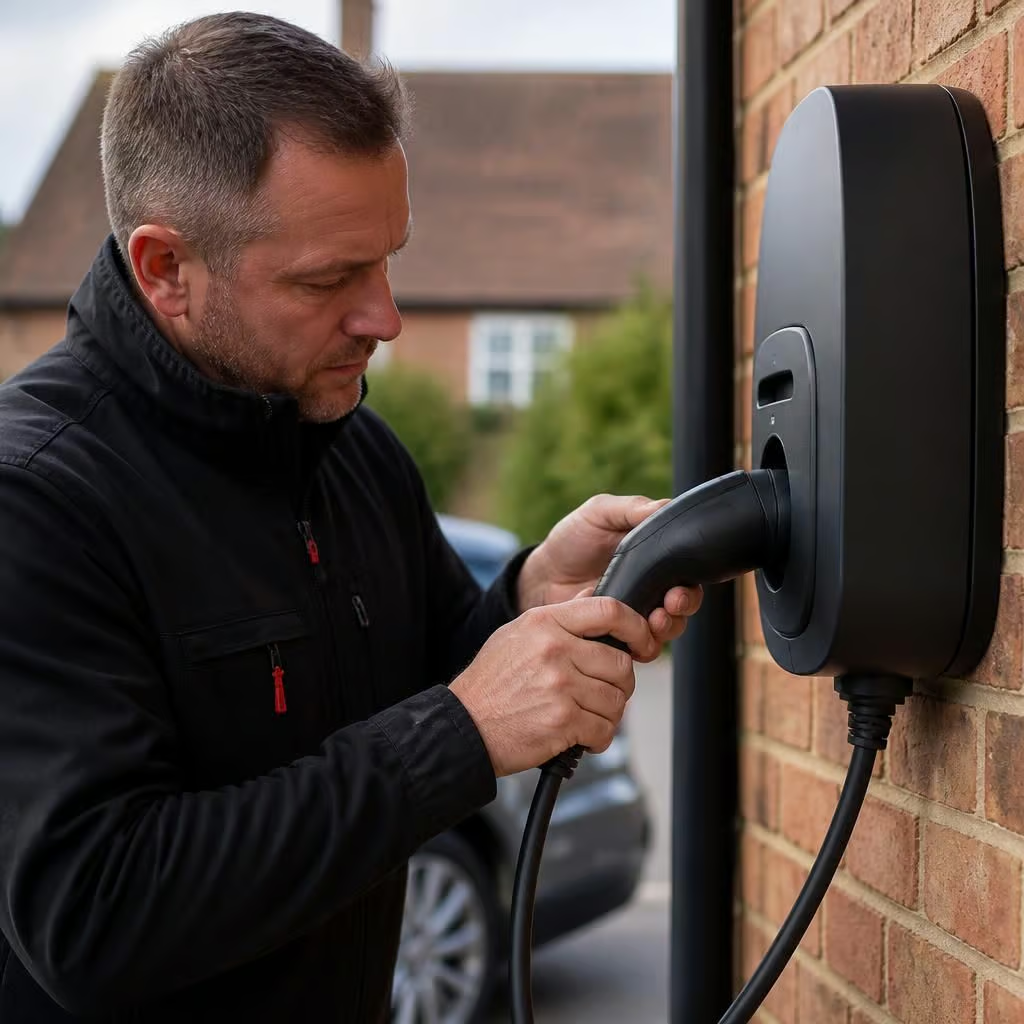
Most home EV chargers need little routine maintenance, but regular visual checks can identify damage, loose fittings or signs of overheating before they affect charging. If the charger develops a fault or its cable, casing or connections are damaged, we can inspect the installation and make it safe.
For most home installations, ongoing care is mainly visual checking, keeping the equipment clear and dealing with faults properly. The charger itself normally needs little attention, but the cable, socket, protective devices and electrical connections still matter.
What you can check yourself
- Look at the cable before charging. Cuts, crushed sections, exposed conductors or heat damage mean you should stop using it.
- Check the plug and vehicle connector for dirt, moisture or scorching. Keep the contacts clean and dry, but don’t use metal tools or liquids inside them.
- Make sure the cable is not being driven over, tightly coiled while carrying current or left where it can trip someone.
- Keep the charger and its cable route clear of stored items, garden equipment and standing water.
- Watch for repeated tripping, a burning smell, unusual heat, error messages or charging that starts and stops. These are reasons to stop and arrange an inspection.
A charger installed outdoors may collect dust, insects or cobwebs around its casing and cable holder. Wipe the outside with a dry or slightly damp cloth, following the manufacturer’s instructions. Don’t remove the cover or spray cleaner into the unit. Internal parts remain live even when the vehicle is not connected.
When an electrical inspection is sensible
A check is worthwhile after the charger has been struck, flooded, overheated or damaged by building work. It also makes sense if the property’s electrical installation changes. A new consumer unit, solar and battery system, rewiring work or additional high-load equipment can affect how the charger is protected and how the supply is managed.
If the charger trips the circuit repeatedly, resetting it over and over can hide the cause. We can inspect the charger, cable, isolation point, protective devices and connections, then identify whether the problem sits with the vehicle, the charger or the wider installation. We’ll explain what needs attention before carrying out remedial work.
Software and manufacturer checks
Some chargers use an app for scheduling, load management and fault information. Keep the app and charger firmware up to date where the manufacturer recommends it. An update can affect schedules, tariff settings or connections to other equipment, so check that the charging routine still works afterwards.
Manufacturer guidance may also specify checks or servicing for a particular model. That guidance takes priority over a general maintenance routine. Keep the installation information and charger instructions with the property records, especially if the home is let or changes hands.
What we look at during a maintenance visit
Your symptoms and usage pattern help us decide where to start. We examine the charger casing, cable and connector, test the relevant protective equipment, and check accessible electrical connections for signs of heat or deterioration. We can also investigate nuisance tripping, charging interruptions and problems that appear only when other household loads are running.
Our electrical work is carried out by NICEIC- and ECA-recognised professionals. That gives you a properly assessed electrical inspection rather than a visual check alone. We provide written details of any work recommended, so you can separate an immediate safety issue from a repair that can be planned.
If you notice damage, smoke, a burning smell or water inside the charger, stop using it and isolate it only if you can do so safely. Don’t open the unit or attempt an internal repair. Contact us with the charger model, the warning shown and what happened immediately before the fault. That information helps us prepare for the inspection.
Smart charging can stop working after a router change, password update or loss of Wi-Fi. The charger may still be electrically sound, even if scheduled charging or app control no longer responds.
After changing your home network, reconnect the charger through its app and check that scheduled charging, tariff settings and load management still work. If the vehicle charges when started manually but not on its schedule, tell us what changed. That helps us distinguish a connection or settings issue from an electrical fault.