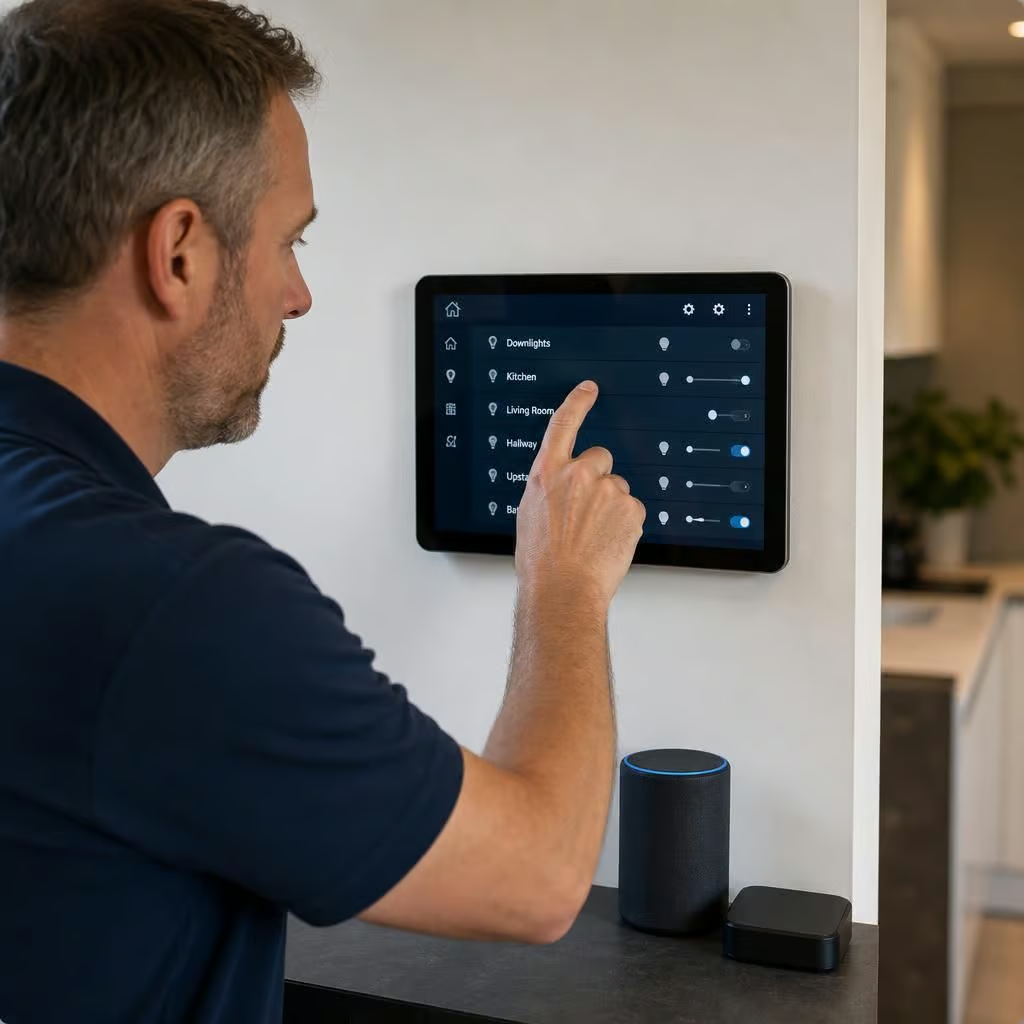
What maintenance does smart home automation need?
Smart home automation needs occasional maintenance rather than regular servicing: check device batteries, internet connections, app access and firmware updates, and replace faulty or unsupported equipment. If your system develops faults or you change the home network, we can test the connected devices and restore reliable operation.
Smart home automation usually needs light routine maintenance rather than regular servicing. The right schedule depends on the equipment, how it is connected and whether it controls heating, lighting, security or access. A professional review becomes more important after a router change, building work, a change of heating equipment or repeated faults.
Keep a clear record of the installation
Connected homes can contain hubs, sensors, switches, thermostats, cameras, access controls and separate apps. If nobody knows which device controls what, a simple fault can become difficult to trace. We can record the equipment, locations, connections and control arrangements so future changes do not disrupt the rest of the system.
Keep the handover information somewhere accessible. It should include device names, reset procedures, account ownership and any manual controls. This matters if the home changes hands, the internet provider changes or a device needs replacing.
Review accounts and permissions
Smart automation often depends on cloud accounts as well as equipment in the home. Remove access for people who no longer need it, check which mobile devices are authorised and use strong, separate passwords. Two-step sign-in can add protection where the relevant service supports it.
Account ownership should stay with the homeowner rather than an installer or former occupant. We can help identify how the system is administered and make sure the controls are understandable. This reduces the risk of being locked out of the system when a phone is lost or a household member changes.
Check what happens when something fails
A well-maintained system should not leave essential equipment unusable because one connected device stops responding. Heating should still have a clear way to be controlled, lights should remain safe to use and access systems should have an appropriate manual method where required.
We can test the behaviour of the installation when the internet connection is unavailable, a hub loses power or a sensor stops communicating. The result depends on the equipment. Some functions continue locally, while others rely on a cloud service. Knowing that distinction helps you decide which controls need particular attention.
Look after the physical equipment
Dust, condensation, decorating work and furniture changes can affect sensors and controls. A sensor covered by paint, moved behind a curtain or exposed to direct heat may no longer detect the room accurately. Cameras and door sensors can also be disturbed during repairs or alterations.
Keep vents, control panels and equipment cupboards clear. Do not remove covers from electrical equipment or alter fixed wiring yourself. If a device becomes warm, smells of burning, shows damage or trips a circuit, stop using it and arrange an electrical inspection.
Review the automation after changes to the home
Heating routines and lighting scenes can become unsuitable when rooms are repurposed, occupants change or insulation and windows are upgraded. A thermostat in the wrong location may cause the heating to run for longer than intended. A security routine may also need changing if pets, cleaners or deliveries affect how the home is used.
We can review the programmed rules and remove ones that conflict. We can also check that heating controls, lighting and other equipment are responding in the intended order. This is often more useful than replacing working devices.
Do not confuse automation maintenance with appliance servicing
A smart thermostat can control a boiler, but it does not service the boiler. Gas appliances still need attention from a Gas Safe registered engineer, and oil-fired equipment needs an engineer registered with OFTEC. Electrical installation work should be checked by a suitably registered electrician.
When automation is connected to heating, we look at the control system alongside the existing equipment. We do not treat an app or thermostat as proof that the boiler, wiring or safety controls are working correctly.
When should a professional review be arranged?
- The system loses connection repeatedly or gives conflicting commands.
- A heating schedule, lighting scene or access rule no longer behaves as expected.
- A router, broadband service, consumer unit or heating appliance has been replaced.
- Building work has moved sensors, added wiring or changed room use.
- You cannot identify who controls the accounts or how to reset the system.
- A smart device is damaged, overheating or causing an electrical circuit to trip.
We can inspect the installed equipment, trace the control paths and explain which parts need attention. If the system needs additional work, we set out what is required before starting, with a written quotation and no surprise charges.
An update can change menus, permissions or the way devices communicate. If a phone app or hub stops supporting older equipment, a previously reliable routine may fail.
We check the installed devices and their software together before making changes. That lets us keep useful routines intact, identify unsupported equipment and explain when replacement is more practical than repeated troubleshooting.