
Can a smart security system work during a power cut?
Yes, a smart security system can keep detecting movement and raising an alert during a power cut if its hub has battery backup and a mobile connection. We check which devices, router and cameras need backup power, then install the system so you know what will still work when the mains fails.
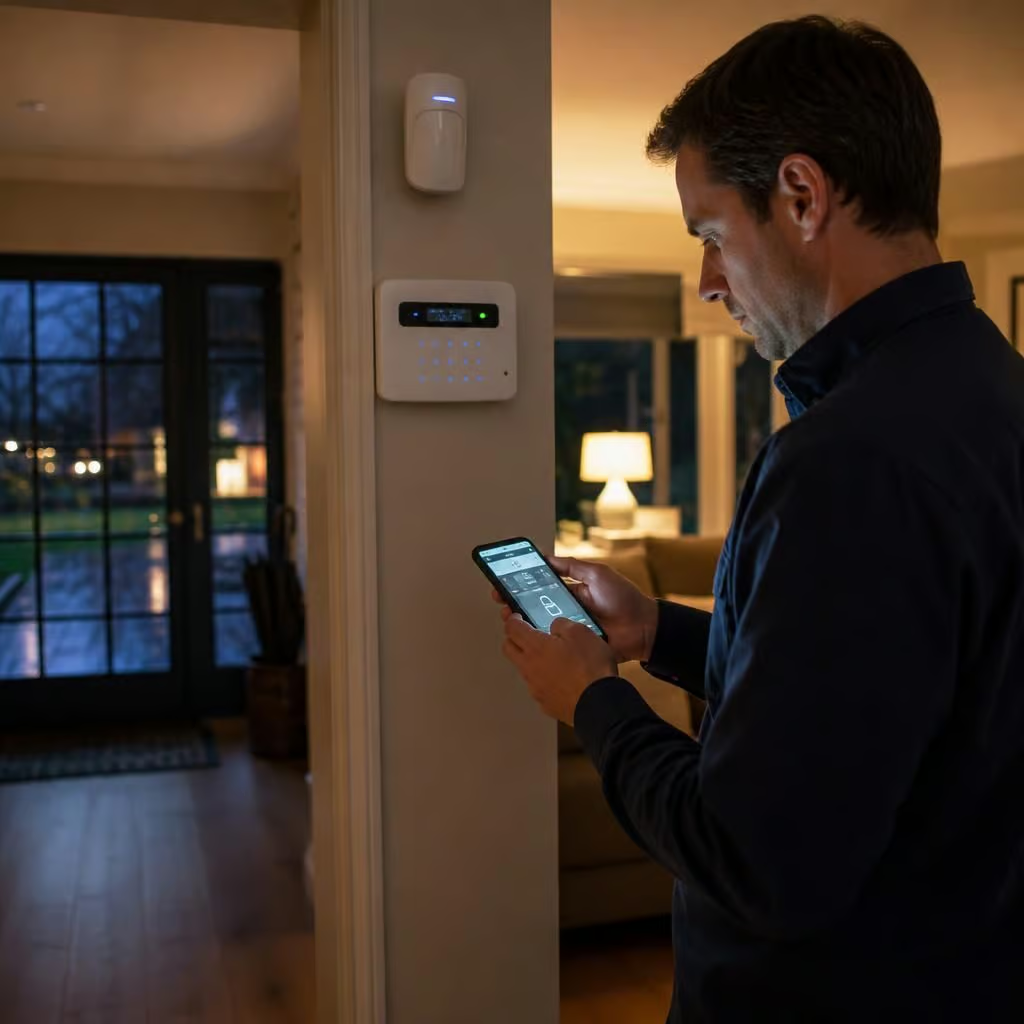
The key is to keep the alarm powered and give its communications a second route. A system with a battery-backed hub can continue detecting movement, door openings and tampering during an outage. App notifications need more than that: the router, broadband equipment and any network hardware must also remain powered, or the system needs a separate mobile connection.
Not every device behaves in the same way during a power cut. The main alarm hub usually contains a rechargeable backup battery. Wireless door, window and motion sensors normally use their own batteries, so they can continue reporting to the hub. An external siren may also have a standby battery and can sound if someone interferes with it.
Smart cameras need closer attention. A camera with no battery backup will stop recording when its power supply fails. A camera that stays powered may still be unable to send footage if the router is off. If the system supports local recording, it may continue saving clips to its internal storage or a local recorder, but you might not be able to view them remotely until the connection returns.
There are three separate parts to check:
- The security equipment: the hub, siren and any wired cameras need a suitable battery backup or an uninterruptible power supply.
- The network: the router, broadband modem and network switches need power if the system relies on your internet connection.
- The notification route: a separate mobile connection can send alerts when the broadband service is unavailable, provided there is usable mobile coverage.
A battery backup does not keep a system running indefinitely. Its duration depends on the battery condition, the number of connected devices and the power they use. Cameras, recorders and network equipment can reduce the available runtime considerably. We check the expected load rather than assuming that the alarm battery will support every smart device in the property.
A system may also warn you when mains power has failed, when the backup battery is running low or when a device has lost contact with the hub. Those warnings are useful only if the chosen communication route still works. With an internet-only setup, the event may be recorded locally but no alert will reach the app while the router is without power.
Power cuts can expose weaknesses in older installations. A hub may be plugged into a convenient socket, while the router sits in another room on a different circuit. A wired camera system may depend on a powered network switch in a cupboard. We trace which equipment the security system depends on, then decide whether the hub alone needs backup or whether the communications equipment needs it too.
Wireless sensors are often easier to keep working because they run from their own batteries. Wired sensors, access points, cameras and electric gates need the wider installation checked. An electrically operated lock may remain secure but lose remote control, while a battery-powered smart lock may continue working locally but not accept commands through the app. The precise result depends on the equipment and how it has been configured.
Testing should cover more than unplugging the alarm. We check that the system detects an entry event, that the siren behaves correctly, that cameras record where expected and that alerts use the intended route. We also check what happens when mains power returns, because equipment should reconnect without leaving parts of the system offline.
Battery condition matters as the system ages. A backup battery can lose capacity without showing an obvious fault during normal operation. Your maintenance plan should include checking battery health, sensor batteries, tamper signals and the connection to the monitoring or notification service. Replacing a battery before it fails is less disruptive than discovering the problem during an outage.
We can assess the electrical supply, the security equipment and the network dependencies together. That is particularly useful if you already have cameras, an alarm, smart locks or a home network installed by different suppliers. The result should show which parts will continue during a power cut, which functions will pause and what would need changing to keep remote alerts available.
In a larger home or property with outbuildings, the alarm hub may not be the only equipment that needs protecting. A powered Wi-Fi access point, network switch or radio link may carry signals from a garage, workshop or gate back to the house. If that intermediate equipment shuts down, those sensors can disappear even while the main alarm remains active.
We map the route from each device to the hub before choosing the backup arrangement. That shows which locations will keep reporting during a power cut and where a separate battery supply is needed. You can then protect the parts of the property that matter most, without powering every network device unnecessarily.