
How is a home automation controller secured against unauthorised access?
A home automation controller is secured through encrypted communication, a unique strong password and, where available, multi-factor authentication. We also check the controller’s firmware and network settings, so the system is less exposed through an outdated device or poorly protected Wi-Fi.
The strongest protection limits who can sign in, what each person can change and which outside services can reach the controller. It also leaves a clear way to remove access when someone no longer needs it.
Separate administrator and everyday access
The main administrator account should be used for setup and system changes, not daily control. We create ordinary user access for routine use where the controller supports it. That reduces the chance of an accidental change to heating schedules, access rules or connected equipment.
Each person should have an individual account rather than sharing one login. If an installer, tenant, cleaner or former household member has access, that access can then be removed without changing everybody else’s details. Multi-factor authentication is also worth enabling when the controller or its cloud account provides it. A stolen password alone should not be enough to enter the account.
Control connected services
A controller may link to voice assistants, mobile apps, energy monitoring platforms or other online services. Every connection creates another account or access token to manage. We check which integrations are actually needed and avoid linking services simply because the option is available.
Unused integrations should be disconnected, and old access tokens should be revoked. A service that can only read temperature data should not be given permission to change heating controls. Where the equipment allows separate permissions, we use the narrowest access that still gives the required function.
Keep remote control proportionate
Remote access is useful when you need to check the home while away, but it should not expose the controller directly to the wider internet. We prefer the manufacturer’s supported access method and check that remote administration is not enabled unnecessarily.
If remote access is not needed, leaving the system available only within the home network reduces the number of routes an outsider can use. This may affect control from outside the property, so we explain the trade-off before changing it.
Secure the router as well as the controller
The controller depends on the home network, so network security matters just as much. The router needs its own administrator password, separate from the wireless network password. Unused remote administration, port forwarding and universal plug-and-play rules can create avoidable exposure.
Smart equipment should not share more network access than necessary with laptops, phones and work devices. On a suitable network, we can discuss separating connected equipment from the main household devices. A guest network can also stop visitors’ devices from reaching equipment that should remain private, although the controller must still be able to communicate with the devices it manages.
Consider physical access
Someone with physical access to the controller may be able to reset it, connect storage or alter its network settings. The unit should therefore be positioned where visitors cannot interfere with it, while remaining accessible for legitimate maintenance.
A factory reset is not a normal security measure. It can erase configuration, schedules and device relationships. If a reset is ever necessary, we first establish whether the configuration can be backed up and how the system will be rebuilt afterwards.
Review activity and account changes
Some controllers record sign-ins, configuration changes and device activity. Those records can help identify an unfamiliar login or explain why a heating or lighting rule changed. We check what logging the system supports and show the household where relevant alerts and account activity can be reviewed.
A security review should also cover people who no longer live at the property and contractors who no longer need access. Access lists are often forgotten after a house move, a change of tenant or a completed installation.
Security during installation and handover
We avoid leaving shared credentials in paperwork or on labels attached to the controller. The account should be registered to the person responsible for the home, with recovery details they control. We explain which account manages the system, which permissions have been granted and how to remove access later.
For an existing installation, we check the controller, its linked accounts and the surrounding network rather than looking only at the box on the wall. That is important when equipment has been added over time by different people. If the design relies on an old login, an exposed router setting or an integration nobody uses, we identify it before recommending a change.
No controller is secure simply because it is connected and working. Security needs a clear account owner, limited permissions, controlled integrations and sensible physical and network arrangements. We document those points so the system remains manageable after installation.
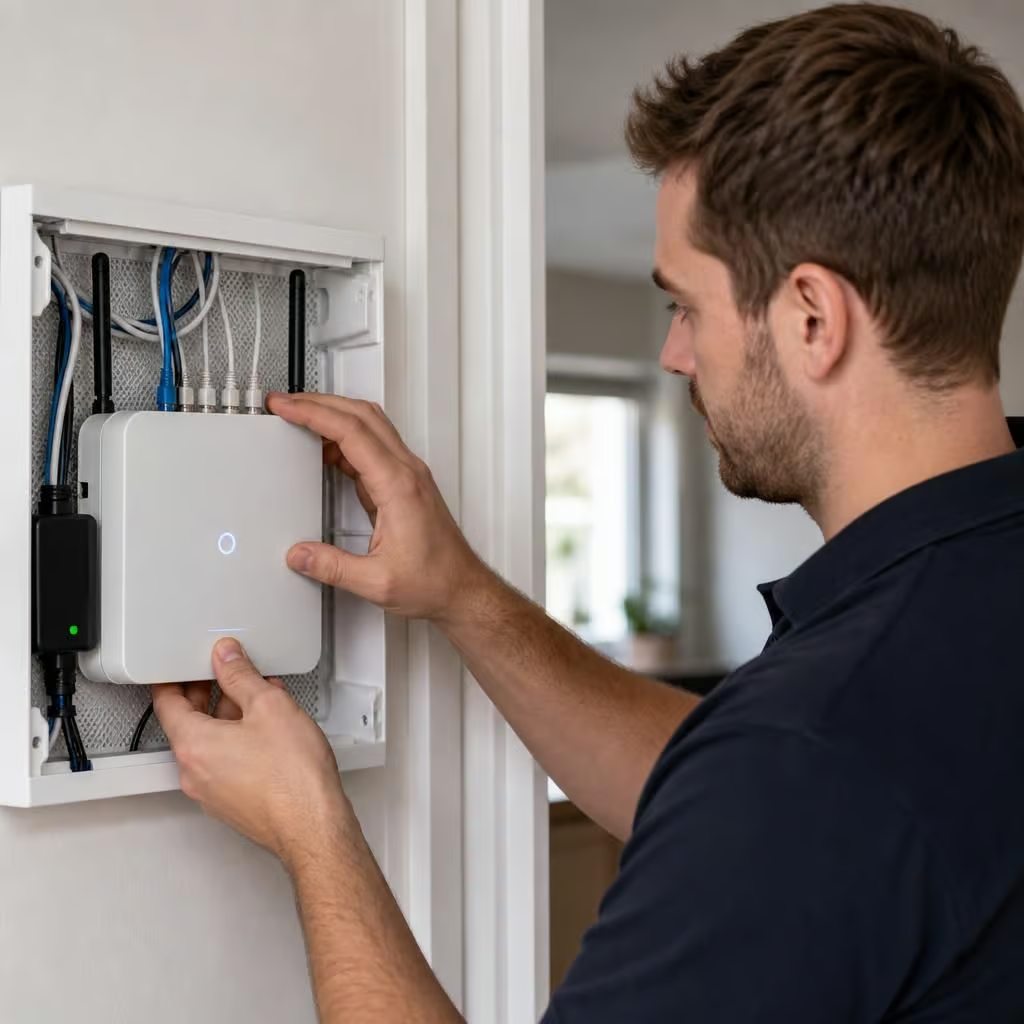
When an update is available, we use the controller manufacturer’s supported process rather than downloading software from an unknown source. Afterward, we check that account permissions, linked devices and remote access still work as intended.
That matters because an update can change how a controller connects to its app or other equipment. We record the changes and explain what they mean, so you know which account controls the system and which access routes remain open.