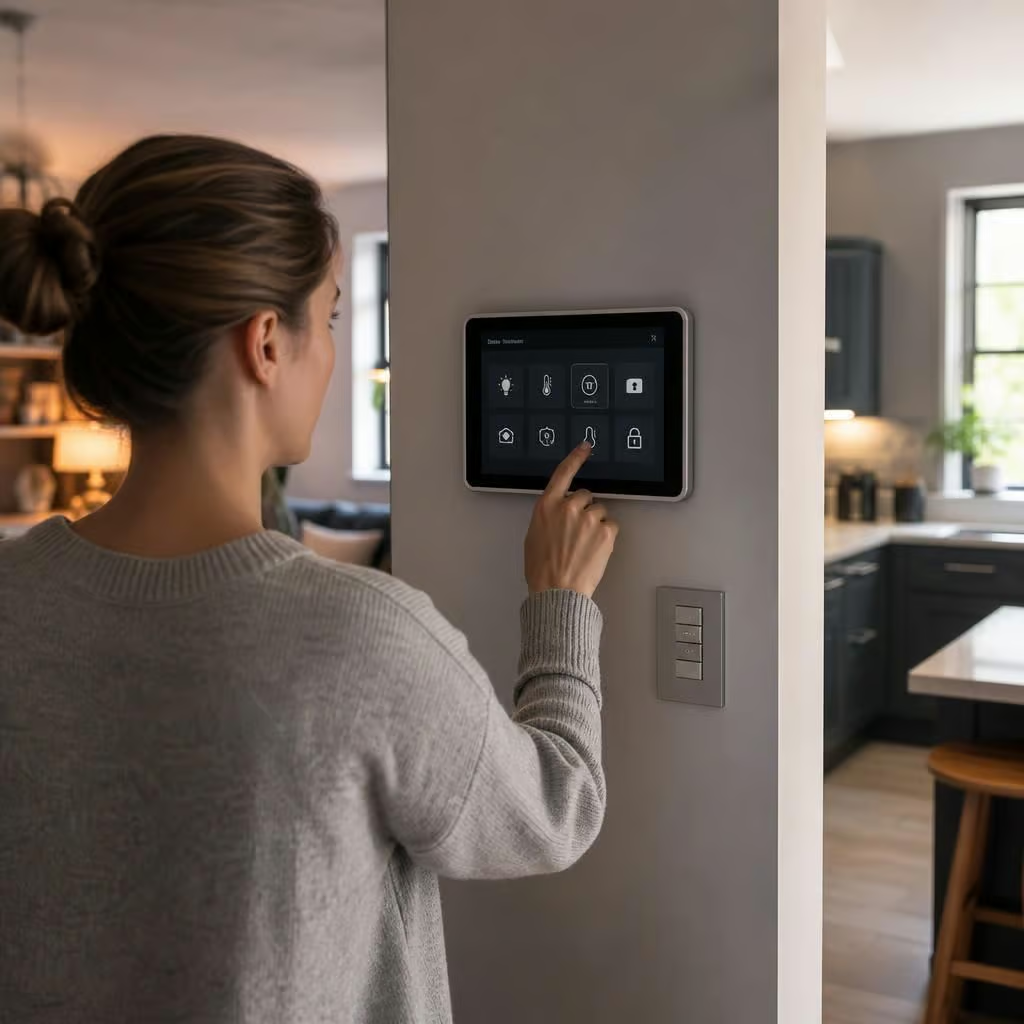
Can smart home automation keep working if the internet goes down?
Yes, many smart home functions can keep working during an internet outage if the controller and devices communicate locally. Cloud-dependent features such as remote app access, voice control and some notifications may stop until the connection returns.
The key distinction is between equipment that makes decisions in the home and equipment that sends every instruction to an online service. A local controller can keep schedules, sensors and scenes running during an internet outage. A cloud-dependent system usually becomes limited to manual control until the connection returns.
An internet outage does not always mean that the home network has stopped working. Your router may still allow devices to communicate with one another, even though they cannot reach the wider internet. In that situation, a locally processed lighting scene or heating schedule can continue. If the router itself has failed, Wi-Fi devices may also become unavailable, so the system design matters.
What can normally continue:
- Lights controlled by a local hub, wired switch or local wireless network.
- Heating schedules stored in the thermostat or controller.
- Motion sensors triggering lights or other equipment through local automation rules.
- Door contacts and other sensors activating a local alarm or warning sound.
- Blinds, ventilation and other devices with their own schedules or manual controls.
The exact behaviour depends on the device. Some products keep their last settings in the device itself. Others store them in a cloud account, so they cannot follow a schedule when they lose contact with that service. A system can also appear to be working locally while its app shows the equipment as offline.
What usually stops or becomes limited:
- Control from outside the property through a mobile app.
- Voice commands that need an online voice assistant.
- Push notifications, email alerts and cloud-based monitoring.
- Remote access for cameras that store footage online.
- Automations that depend on online weather, tariff or presence data.
- Software updates, account checks and some device configuration changes.
Security equipment needs particular care. A locally connected alarm may still sound if a sensor detects an entry, but notifications to a phone may not arrive. A camera with local recording can retain footage, while a cloud-only camera may not record or may store nothing until its connection returns. We check what happens during both an internet outage and a power failure, because they are separate problems.
Heating controls should have a straightforward fallback. If an internet-based thermostat loses communication, the boiler should not be left dependent on an app for basic operation. A physical control, a local thermostat or the boiler’s own controls may still be available, depending on the installation. We look at the existing heating arrangement rather than assuming that every smart thermostat behaves in the same way.
Smart lighting can be made more resilient by retaining ordinary switching. If a wall switch still controls the light directly, you are not left in darkness because an app or hub is unavailable. More advanced scenes may stop, but the essential function remains accessible. This is especially useful in hallways, kitchens, entrances and other rooms where a manual control matters more than remote operation.
Battery-backed equipment can help during a power cut, but a battery does not automatically make the whole automation system independent. The router, hub, network equipment and connected devices may each need power. We identify which parts need to remain active and decide whether backup power is worthwhile for the functions that matter most.
A resilient installation starts with a list of essential actions. You may want the heating to follow its schedule, the entrance light to respond to movement and the alarm to sound locally. Remote access and voice control may be useful, but they do not need to be treated as essential. Separating those priorities prevents a temporary internet fault from disabling basic control.
During planning, we check where automation rules are processed, what happens if the hub is unavailable and whether each important device has a manual alternative. We also check the location of the controller, the wireless coverage and the network equipment. A strong internet connection cannot compensate for a poorly placed hub or a control scheme with no fallback.
After installation, we test the system with the internet disconnected. That shows which lights, heating controls, sensors and security functions continue to operate. We then restore the connection and check that remote access, alerts and cloud services reconnect properly. You receive a clear explanation of what remains available offline and what requires the internet.
For an existing system, the same test can reveal its limitations without replacing everything. We can identify which devices depend on cloud services, whether schedules are stored locally and where a physical control would improve reliability. That gives you a practical choice between keeping the current arrangement, adding a local controller or changing only the functions that are most important.
An outage is only half the test. When the connection returns, the system should recover without creating duplicated actions or losing its schedule. We check that lights, heating controls and sensors reconnect correctly, while remote alerts and app access become available again.
If the internet has been unavailable long enough to affect the system clock, timed actions may need checking too. We confirm that heating periods, lighting schedules and security events still follow the intended times. That leaves you with a clear record of what the system does during an outage and what it restores afterwards.