
Will smart home automation still work if the internet goes down?
Yes, some smart home functions will still work without the internet, but it depends on how the system is designed. Local controls and scheduled routines can continue, while cloud-based apps, remote access, voice commands and online alerts may stop until the connection returns.
The important distinction is between losing the internet and losing power. If the home network, hub and connected devices still have power, many routines can continue locally. If the hub or the devices depend on a cloud service, those functions may pause until the connection is restored.
Local control is the most dependable arrangement. A locally stored schedule can continue to run between the hub and the devices without sending each instruction through an external server. This suits routine actions such as turning lights on, adjusting heating settings or closing blinds at set times. The exact behaviour depends on the equipment and how the system has been configured.
A system that relies on a remote server has more points of failure. An internet outage can prevent an app from reaching the home, stop cloud-based scenes and remove access to settings stored away from the property. The devices may still operate manually, but a routine that exists only in the cloud may not run.
Local network failure can cause a different result. Your broadband connection may be down while the wireless network in the house continues to work. In that case, devices that communicate with a powered local hub may still respond. If the router or wireless network has failed as well, app control and some device-to-device communication may stop, even though the broadband fault itself is not the direct cause.
Heating needs particular care. A smart thermostat may lose app access while its basic programmed temperature continues through the local controller. A boiler or other heating appliance should still retain its own safety controls. We avoid making the heating system dependent on an internet connection for essential operation, and we make sure there is a practical way to adjust it at the property.
Lighting should remain usable from ordinary switches wherever possible. If a smart lamp or scene controller fails, a conventional switch gives you a fallback. This matters in hallways, staircases, entrances and other places where being unable to operate a light would be more than an inconvenience.
Security equipment needs a clear explanation of what is stored locally and what is sent online:
- An alarm may continue to detect an opening or movement locally if its control panel has power.
- A camera may continue recording to local storage, but cloud recording and remote viewing may stop.
- A phone notification normally needs an internet connection, so it may not arrive during the outage.
- A smart lock may still accept a keypad code, key or local command, but remote unlocking may be unavailable.
Battery-backed equipment can help during a short power cut, but it does not make every part of the system independent. A hub, router, access point and connected devices all need suitable power if they are to keep communicating. Once the battery runs out, only equipment with its own separate battery will continue to operate.
Voice control is usually among the first features to stop working because the spoken command is processed through an online service. A physical switch, thermostat control, keypad or locally configured scene provides a more reliable alternative. We recommend keeping these controls for essential functions rather than making every action dependent on an app.
Before installation, we can identify which functions need to work during an internet outage and separate them from convenience features. We look at the heating controls, lighting circuits, alarm arrangements and network equipment rather than treating every connected device as equally important. The result should leave the home usable while the connection is being repaired.
When the internet returns, cloud-dependent devices may reconnect automatically, but some systems need a router restart or a check in the app. Local schedules should not need rebuilding if they are stored in the hub. We also explain how to operate the important controls without the app, so a connection problem does not leave you unsure what still works.
Smart home automation can therefore be designed to fail in stages. Remote access and notifications may be lost first, while essential local controls continue. That is a more suitable arrangement for a home where heating, lighting and security must remain practical during an internet fault.
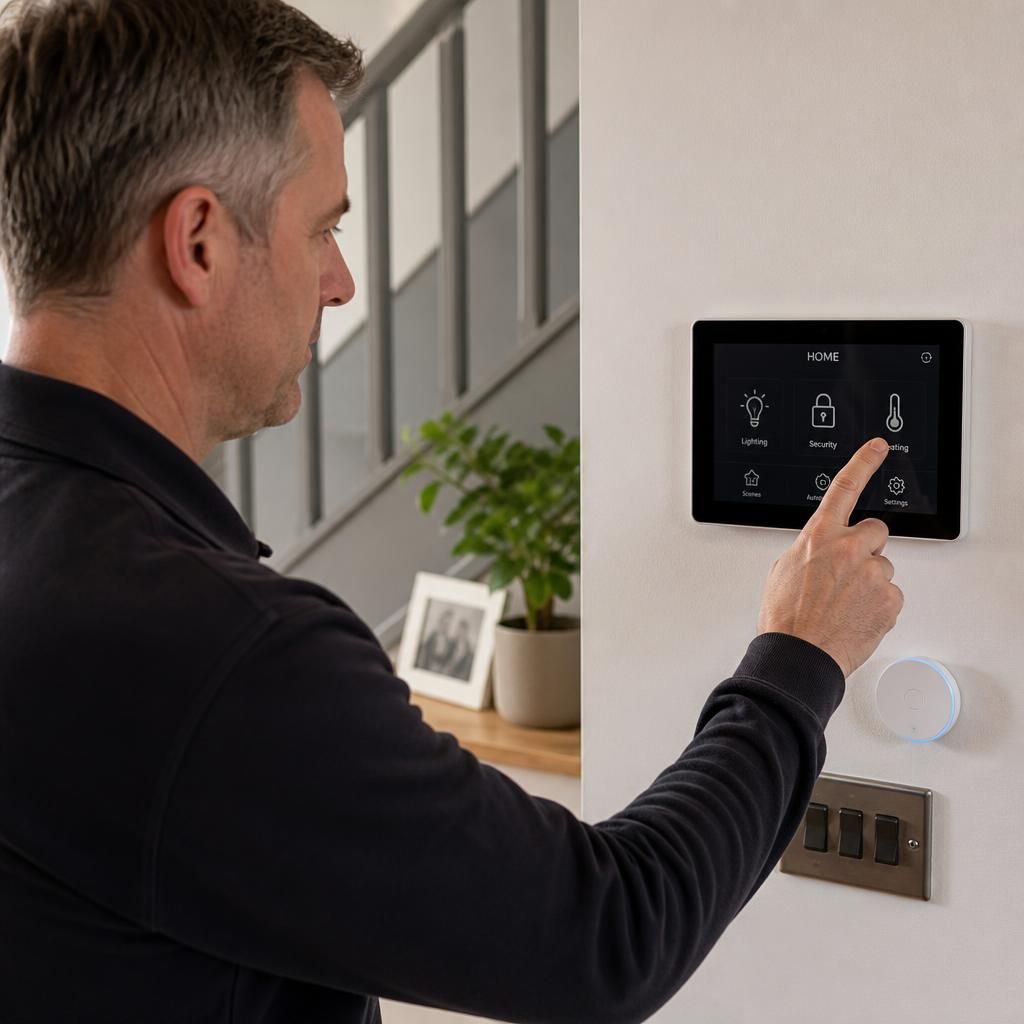
If you’re unsure what will happen during an internet outage, a simple test can settle it. We can disconnect the broadband connection while leaving the home network powered, then check each important function at the property.
That test shows which lights, heating controls and security features still operate locally, rather than relying on assumptions in an app. We can label the physical controls and record the steps for using them, so everyone in the household knows what to do if the connection fails.