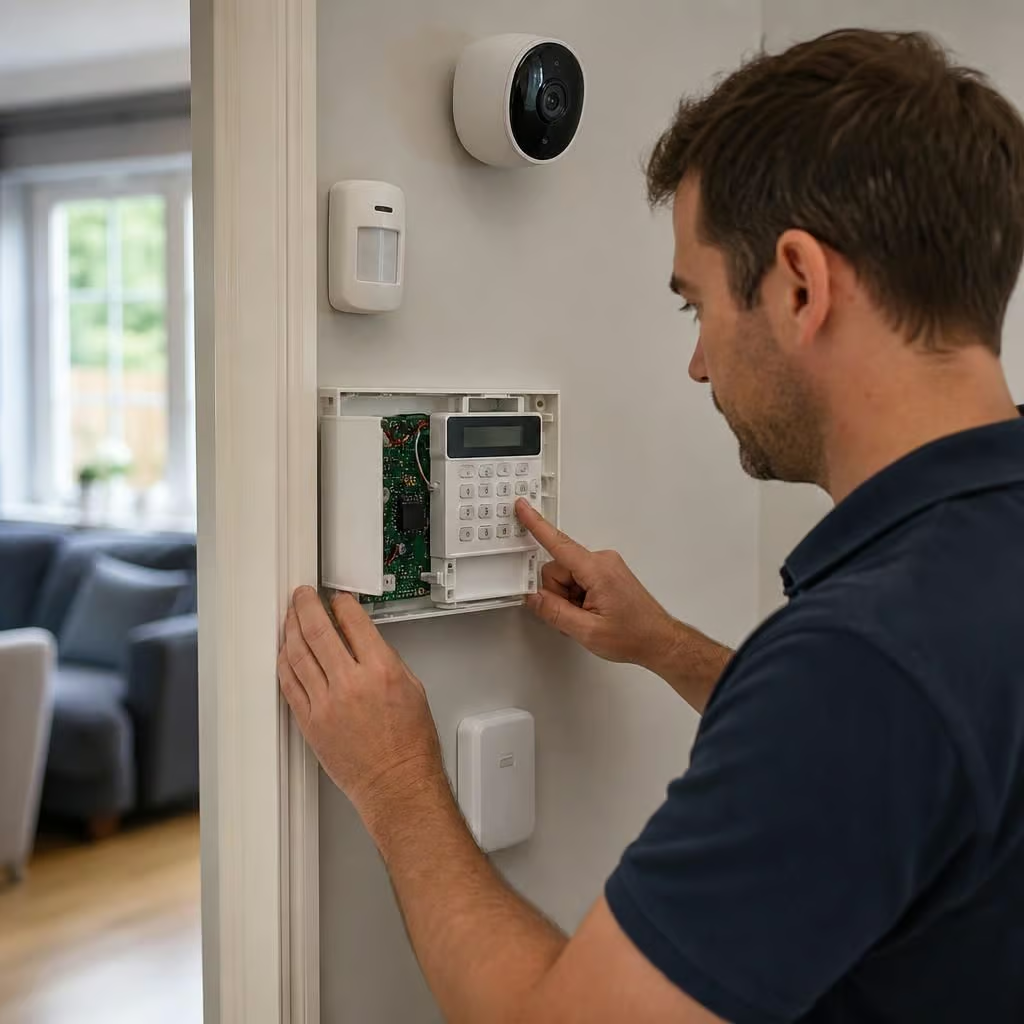
Can I add smart security devices to my existing alarm system?
Often, but compatibility depends on the alarm panel, wiring and communication protocol already in place. We check the existing system before recommending compatible smart sensors, cameras or controls, or explain when upgrading the panel is the safer option.
There are three practical ways to add smart security devices: connect them to the existing alarm, add an interface between the two systems, or run the new devices separately. The right choice depends on how much of the present alarm you want to keep and how much control you expect from one app.
A direct connection gives the most consistent experience. Compatible door contacts, motion sensors, external sirens and cameras can then work within the same alarm platform. Arming the alarm may activate other devices, while an alarm event can send an alert to the same app. Some systems also allow separate user permissions, so family members can use the app without receiving installer-level access.
An interface module can be useful when the existing alarm still works well but has no built-in smart connection. It may pass basic information, such as whether the system is armed or whether an alarm has triggered. That does not always provide full control of every zone. A connected camera, smart lock or video doorbell may still need its own app and account.
Running devices separately can make sense when the present alarm is reliable but its design is too old or too restricted to integrate safely. The original alarm continues to protect the property, while cameras, doorbells or smart lighting operate independently. This avoids replacing working equipment, but it means you may have two apps and separate batteries, updates and user settings to manage.
Older alarm systems often use proprietary wireless sensors. A sensor that looks similar to a modern smart contact may still use a different radio protocol, so it cannot simply be paired with a new hub. Wired sensors may be reusable, but only if their wiring, resistance values and power requirements match the replacement control equipment. Reusing them can reduce disruption, although each zone still needs testing after any change.
Smart locks need particular care. The alarm may know that a door is closed, while the lock uses a separate access system. We check that the two devices cannot create an unintended entry route, such as disarming the alarm when the lock is opened without confirming who is entering. We also consider what happens if the lock battery, hub or internet connection fails.
Security cameras and video doorbells are usually easier to add alongside an existing alarm than to integrate into it fully. They can provide visual confirmation when a sensor activates, but a camera should not be treated as a replacement for a properly positioned alarm sensor. We plan the viewing angle, lighting, privacy zones and notification settings so alerts remain useful rather than constant.
Internet access affects the smart features, not necessarily the basic alarm. If the alarm has its own local control panel and battery backup, it may still sound during a broadband failure. App notifications, remote arming and cloud video access may stop until the connection returns. We explain this distinction before any equipment is selected, particularly where the property has an unreliable connection.
A safe upgrade also involves account security. We set up individual users rather than sharing one password, enable two-step verification where the platform supports it and remove old users who no longer need access. Firmware updates matter because connected security equipment remains part of the home’s wider network. We also check that default installer or device passwords are not left in place.
Before recommending an upgrade, we establish what the existing alarm must continue to do. That may include protecting specific doors, covering outbuildings, operating a bell box or signalling to a monitoring service. A new smart feature should not disable an important part of the original installation. We record the final zone layout and test arming, disarming, tamper alerts, alarms and notifications.
The cost depends mainly on whether the existing sensors and control equipment can be retained. A compatible add-on is usually less disruptive than replacing the main panel and every wireless device. If the system has obsolete batteries, damaged cabling or unexplained faults, correcting those issues may be more important than adding an app.
You should finish with a clear understanding of which devices work together, which app controls each function and what remains available during a power or internet failure. We provide the settings and user information needed to operate the system, rather than leaving you to discover its limitations after installation.
If your existing alarm reports to a monitoring centre, an add-on must not interrupt that connection. A new hub or interface can affect how alarm, tamper and fault signals are passed on.
We identify the current signalling method and confirm who receives each alert before recommending equipment. You’ll know which functions remain monitored, which notifications come through the smart app and what needs testing after the change.