
Can one app access multiple EV charging networks?
Sometimes. A single EV charging app can access several networks when the providers have a roaming agreement, but no app covers every public charger. You may still need separate apps or payment methods for networks that do not share access.
The important distinction is between an app that shows chargers and one that can also start and pay for sessions. A single app may combine both functions, but its coverage depends on agreements between the app provider and each charging network.
Before relying on one app for a long journey, check what it can do with the networks on your route. Some apps display location, connector type, availability and pricing but send you to the network operator’s app for payment. Others allow you to select a charger, authorise the session and receive the receipt without leaving the app.
Roaming normally works through an account shared between participating providers. You create an account, add a payment method and accept the relevant terms. The app then passes the charging request to the network operating that particular site. You may still be charged the roaming provider’s tariff rather than the operator’s direct tariff.
That price difference matters. A roaming app can be convenient, but it may not offer the lowest price at every charger. The operator’s own app might show a membership rate, a time-based charge, an overstay fee or a different payment structure. Check the price shown immediately before starting the session, especially at rapid chargers.
Coverage can also vary by function. An app may show a network’s sites but not provide live status for all of them. It may show that a charger is listed, while the charger is already in use, offline or unavailable to roaming users. Treat live availability as useful guidance rather than a guarantee that the connector will work when you arrive.
Most drivers find a small backup arrangement more practical than trying to maintain an app for every network. Keep the main roaming app, then add the direct apps for networks that feature heavily on regular journeys. A bank card or contactless payment can also be useful where the charger supports it, although contactless payment does not always provide the same pricing or account history.
When comparing apps, look for:
- the networks included in the roaming agreement;
- whether the app can start and stop a session, or only locate a charger;
- live information about connector status and faults;
- the full tariff, including connection, energy, time and overstay charges;
- receipts and charging history for business or household records;
- route planning that accounts for connector type, charging speed and battery range;
- what happens if mobile signal is weak or the app cannot connect.
App access does not change the physical standard of the charger. Your car still needs a compatible connector, and the charger must provide the power the car can accept. An app cannot make a slow unit charge at rapid speed or resolve a cable, vehicle or charger fault.
Home charging is usually managed separately from public-network roaming. The app for a home charge point may control schedules, monitor energy use or link charging to a tariff. It does not necessarily give access to public chargers, so check both the home charger’s controls and the public apps needed for regular routes.
If you are having a home charge point installed, we can discuss how it will fit with the way you use public charging. The choice should leave you with straightforward controls at home and a workable backup for longer journeys, rather than assuming one app will cover every situation.
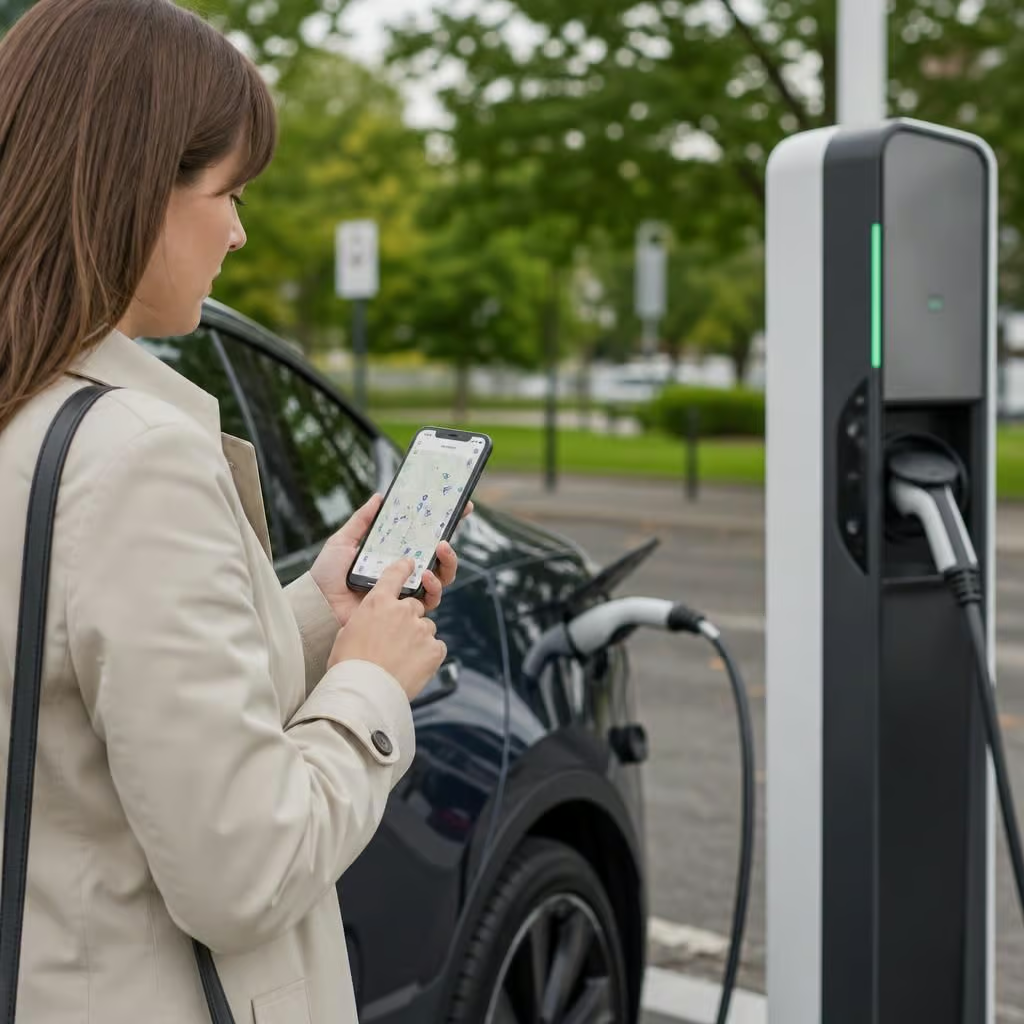
If a charging session fails, the app you used may not be the organisation operating the charger. Check the session details before reporting the problem, then contact the correct provider with the location, connector number and time of the attempted charge.
This distinction matters when a payment is taken but the car doesn’t charge, or when a session won’t stop in the app. A roaming app can handle the account and payment request, while the network operator investigates the physical charger. Keeping the operator’s contact details alongside the roaming app gives you a clearer route to help.