
How can I check whether a public EV charging station is working?
Check the charging network’s app or website for live status, then confirm the charger display shows it is available and not reporting a fault. If the information conflicts or the unit looks damaged, use the operator’s support number shown on the charger rather than relying on it for your journey.
The most reliable check combines the network’s digital information with what the charger is showing on site. A station can appear available while a connector is occupied, isolated or unable to start a session.
Check the station details, not just the location. The network app or website may show each connector separately. Look for:
- an available, occupied, charging or out-of-service status;
- the connector type your car needs;
- whether the unit is suitable for rapid, fast or slower charging;
- a recent status update or last communication time; and
- any notice about maintenance, restricted access or payment problems.
A station marked as available may only mean that the network can communicate with it. It doesn’t always confirm that the cable, display, payment reader and vehicle connection are all working.
Check the station’s physical condition when you arrive. The screen should switch on and guide you through starting a session. Look for a clear connector label, a cable without cuts or crushing, and indicator lights that match the charger’s instructions. A blank screen, repeated restart, exposed damage or a permanent fault message means you shouldn’t use that connector.
Don’t pull hard on a locked cable or try to bypass a warning. If the unit has an emergency stop button, check that it hasn’t been pressed accidentally, but only reset it if the station’s instructions permit this. Never use equipment that appears damaged or wet inside its electrical compartments.
Separate a charger fault from a payment or account fault. If the screen works but the session won’t start, check that the payment card, contactless reader, app account or RFID card has completed its authorisation. A declined payment doesn’t necessarily mean the charging equipment has failed. Equally, a successful payment authorisation followed by a connector error points more strongly to the unit or cable.
Some networks show a charging session as active after the car has stopped drawing power. This can happen if the session has not ended correctly. Check the app and the charger screen before assuming the bay is free or the connector is available.
Use the station identifier if something goes wrong. Note the charge-point number, connector number, site name and the time of the fault. Describe what happened, such as a failed contactless payment, a connector that wouldn’t lock, or a session that stopped immediately. A photograph of the screen can help, provided you can take it safely without handling damaged equipment.
Report the problem through the network’s stated support channel. If the station is on private land, tell the site operator as well. Reporting the exact connector is more useful than reporting only the car park, because one unit may be faulty while another remains usable.
Use another connector carefully if one is available. Check that the second unit supports your car and that its cable reaches the charge socket without crossing a traffic route. If every connector shows a fault, the station has no safe route for access, or the status information is contradictory, leave it and use a different site rather than repeatedly forcing a failed start.
For a planned journey, checking the network information shortly before departure and again near the station gives a better indication than relying on an old screenshot or a third-party directory. Independent apps can be useful for finding stations, but the charge-point operator’s own status information is normally the better source for the current condition of its equipment.
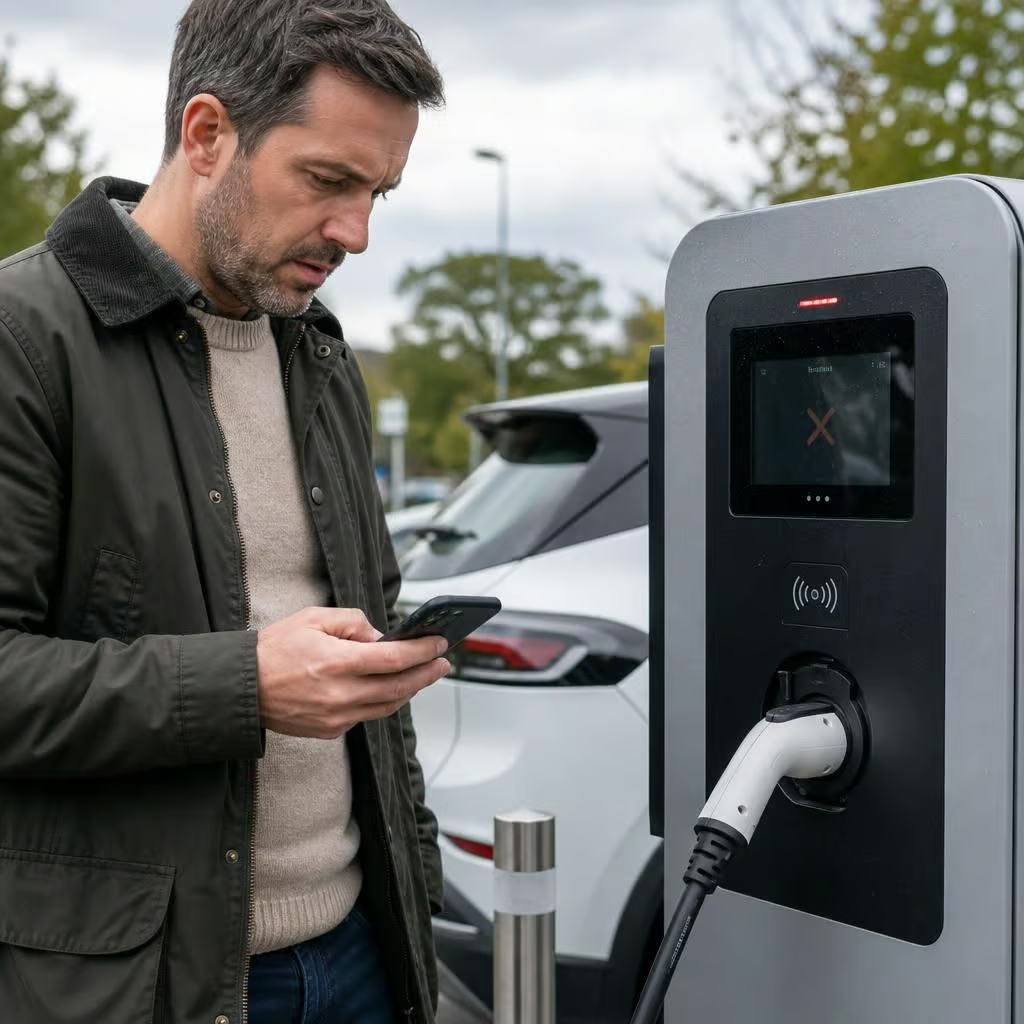
A failed session doesn’t always mean the public charger is faulty. If the same car or cable fails at several different stations, the problem may be with the vehicle, its charge settings or the cable.
Try another compatible connector if it is safe to do so. If another vehicle charges successfully from the same connector, your car or cable needs checking. If several vehicles fail on that connector, report the charge point instead.