
What information should I provide about my hybrid inverter problem?
For a hybrid inverter problem, provide the inverter and battery make and model, any error code, photos of the display and isolators, and screenshots from the monitoring app. Tell us what the system is doing, when the fault started, and whether a power cut or other recent change came beforehand.
The most useful extra information is the system’s installation history, warranty documents, monitoring access and a clear description of what happens immediately before the fault. This helps us separate an inverter fault from a battery, grid, connection or monitoring problem.
- Installation details: tell us when the system was installed, who installed it and whether any components have been replaced. The original commissioning documents, wiring diagram and handover paperwork can show how the inverter, battery, solar array and consumer unit were configured.
- Warranty information: have the inverter and battery warranty documents available, along with any previous service reports. We can use these details when discussing repair options and deciding whether the manufacturer needs to be involved.
- Monitoring information: if the system uses an online monitoring portal or app, provide the account or site reference and screenshots showing the fault history. Do not send passwords unless we specifically ask for a secure method of access.
- What happens before the fault: note whether the problem follows a power cut, heavy electricity use, a change in weather, a battery charging period or a switch between grid and battery supply. A fault that appears only under one condition can point to a different cause from a fault that remains present all the time.
- Effect on the property: explain whether the home still has mains electricity, whether solar generation has stopped, and whether the battery is supplying any circuits. Tell us if lights flicker, equipment switches off or the system repeatedly restarts.
- Current system state: if it is safe to do so, record which indicator lights are on or flashing and whether the display shows a normal screen, warning screen or no power at all. A photograph taken before changing any settings is often more useful than a description from memory.
- Recent changes: mention any electrical work, building work, broadband changes or changes to the electricity meter. A monitoring failure can be separate from a loss of generation, so this distinction matters.
Do not remove the inverter or battery covers, alter internal settings or repeatedly reset the system. Those actions can create a safety risk, remove useful fault history or affect a warranty assessment. If there is a burning smell, visible damage, unusual heat, smoke or arcing, keep clear and use the appropriate isolation equipment only if you know how to do so safely.
If you cannot provide every detail, send what you have. The installation paperwork, photographs of the complete equipment layout and a short timeline of the fault are a useful starting point. We can then assess whether the next step is a site visit, further information from the manufacturer or a repair investigation.
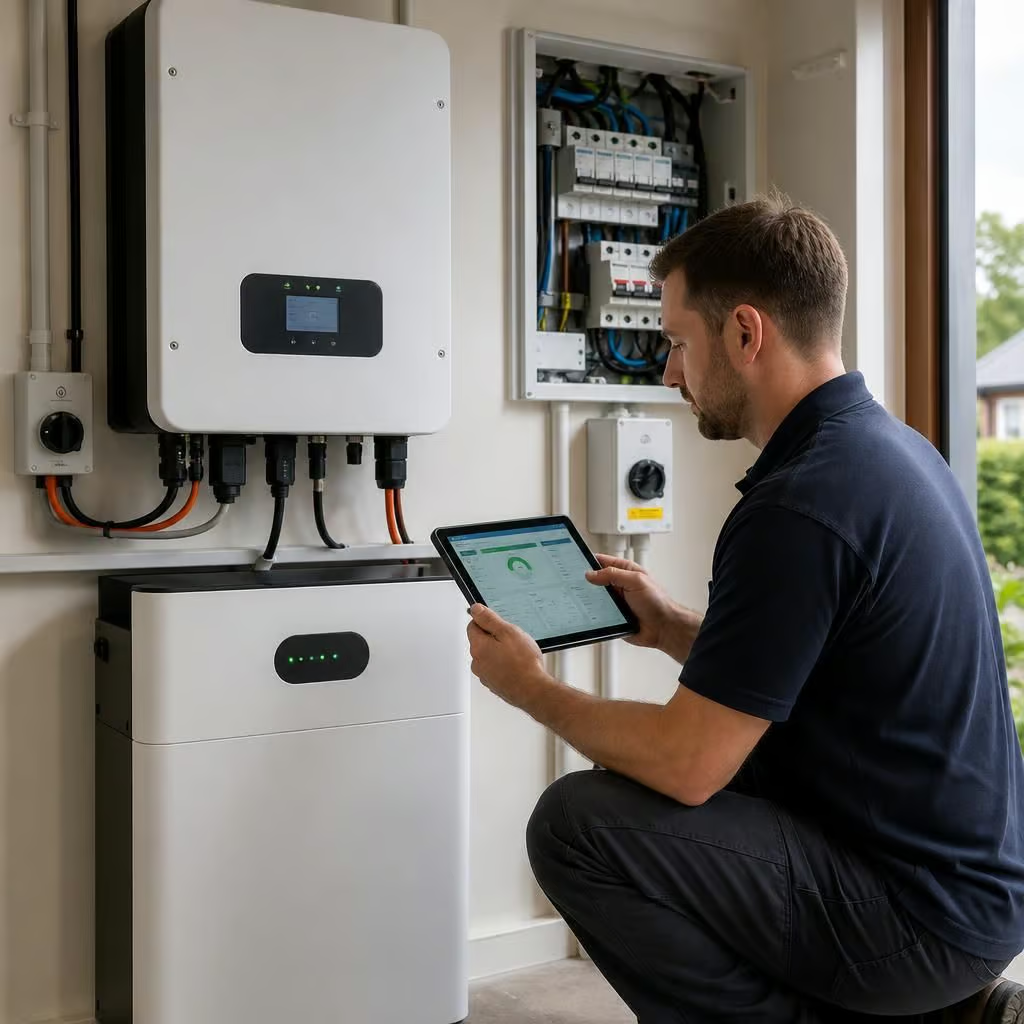
If the system has more than one inverter, battery or consumer unit, identify each item separately in your message. A simple note such as “garage inverter, utility-room battery and upstairs backup board” helps us match photographs and fault messages to the correct equipment. Include the labels beside switches or isolators where they are readable, but don’t operate anything to obtain them.
Also tell us which parts of the system you expect to be working together. For example, the battery may charge from the panels but not discharge to the house, while the solar generation continues normally. That distinction helps us understand the system’s intended arrangement before we assess the fault.