
Why is my solar inverter showing a fault code?
A solar inverter fault code means the system has detected a problem with its electrical supply, panels, temperature, isolation or communications. Note the exact code, avoid resetting the inverter repeatedly, and contact a qualified engineer if it returns or the system stops producing power.
A solar inverter fault code identifies the type of problem the system has detected, but it does not always identify the failed part. The same message can result from the grid supply, solar cabling, temperature, communication equipment or the inverter itself. The exact code, inverter model and event history are needed before anyone can diagnose it properly.
Start by recording the message. Write down the full code, including any letters, numbers or punctuation. Take a photograph of the display and note whether the inverter shows a red light, a flashing light or no light at all. If you use a monitoring app, save any matching notification and check when the system last generated electricity normally.
That information helps us separate a temporary warning from a fault that needs testing. A code that appears once after a power cut may have a different cause from one that returns every morning or stays present throughout the day.
Common fault-code groups include:
- Grid or AC faults: The inverter has detected a voltage, frequency or connection problem on the electricity supply side. A local power interruption, a loose connection or a problem with the consumer unit can trigger this message.
- DC or insulation faults: The inverter has found an abnormal reading from the panels, string cables, connectors or earthing. Water ingress, damaged cable insulation, an ageing connector or an issue beneath the panels can cause this type of warning.
- Temperature faults: The inverter has become too hot or cannot release heat effectively. Restricted airflow, direct heat, dust or a failed internal fan may be involved.
- Communication faults: The inverter cannot communicate with the monitoring equipment, battery, meter or internet connection. The panels may still be producing power even though the app shows no data.
- Battery or hybrid faults: A battery inverter may report a charge, discharge, state-of-charge or protection issue. The battery, its cabling, the meter and the inverter all need to be considered together.
- Internal inverter faults: A failure in the inverter’s control board, relays, cooling system or power electronics can produce a persistent code even when the panels and grid supply test correctly.
Some checks are safe to make from outside the equipment. Look for obvious water around the inverter, signs of impact, blocked ventilation or damaged visible cable. Check whether other electrical equipment in the property has lost power. You can also compare the current generation reading with a normal sunny-day reading, provided the monitoring system is working.
Do not remove the inverter cover, disconnect solar connectors or handle exposed cables. Solar panels can continue producing DC electricity in daylight, even when the inverter display is off. Do not keep resetting the system to clear the message. Repeated resets can hide the pattern of the fault and may put additional strain on equipment that has already detected an unsafe condition.
Turn the issue into an urgent safety matter if you notice smoke, a burning smell, sparking, crackling, unusual heat, melted plastic or water entering the inverter. Keep people away from the equipment and do not touch damaged cables. If it is safe to do so, follow the system’s isolation instructions or use the clearly labelled isolation point without opening any enclosure. The panels and their DC wiring may still remain live in daylight, so isolation is not a reason to inspect the internal parts yourself.
A fault that appears after heavy rain, a storm, roof work or electrical alterations deserves particular attention. Moisture can affect connectors and insulation, while building work can disturb panel cabling. A message that returns after the same weather or at the same time each day can provide a useful clue, but it still needs proper testing.
When we investigate a fault, we first identify what the code means for that particular inverter. We check the installation history, event log and monitoring data, then test the AC supply and the DC circuits. Depending on the message, we may check string voltages, insulation resistance, connectors, earthing, ventilation, battery communication and the inverter’s protective devices.
This process matters because replacing the inverter does not fix a damaged cable, failed isolator or grid-supply problem. Equally, replacing a connector or repairing a cable will not resolve an internal inverter failure. Testing shows which part has caused the code and whether the repair is safe and worthwhile.
The likely outcome depends on what the tests find. A communication issue may need a connection or monitoring setting corrected. A ventilation problem may need the installation position or cooling equipment addressed. A damaged connector or cable may be repairable, while a failed power circuit may make inverter replacement the more sensible option.
We explain the findings in plain terms and provide a written quotation before chargeable work starts. If the inverter needs replacing, we check the existing panel arrangement, battery compatibility, isolation, cabling and monitoring rather than treating the job as a simple box exchange. Replacement work on a generating system also needs the correct commissioning records and settings so the system can operate and be monitored properly.
For a fault-code diagnosis, send us the exact message, photographs of the display and any recent changes to the property or solar system. Tell us whether the system is still generating, whether the code clears and returns, and whether a battery is connected. Those details help us plan the right checks instead of guessing from the warning alone.
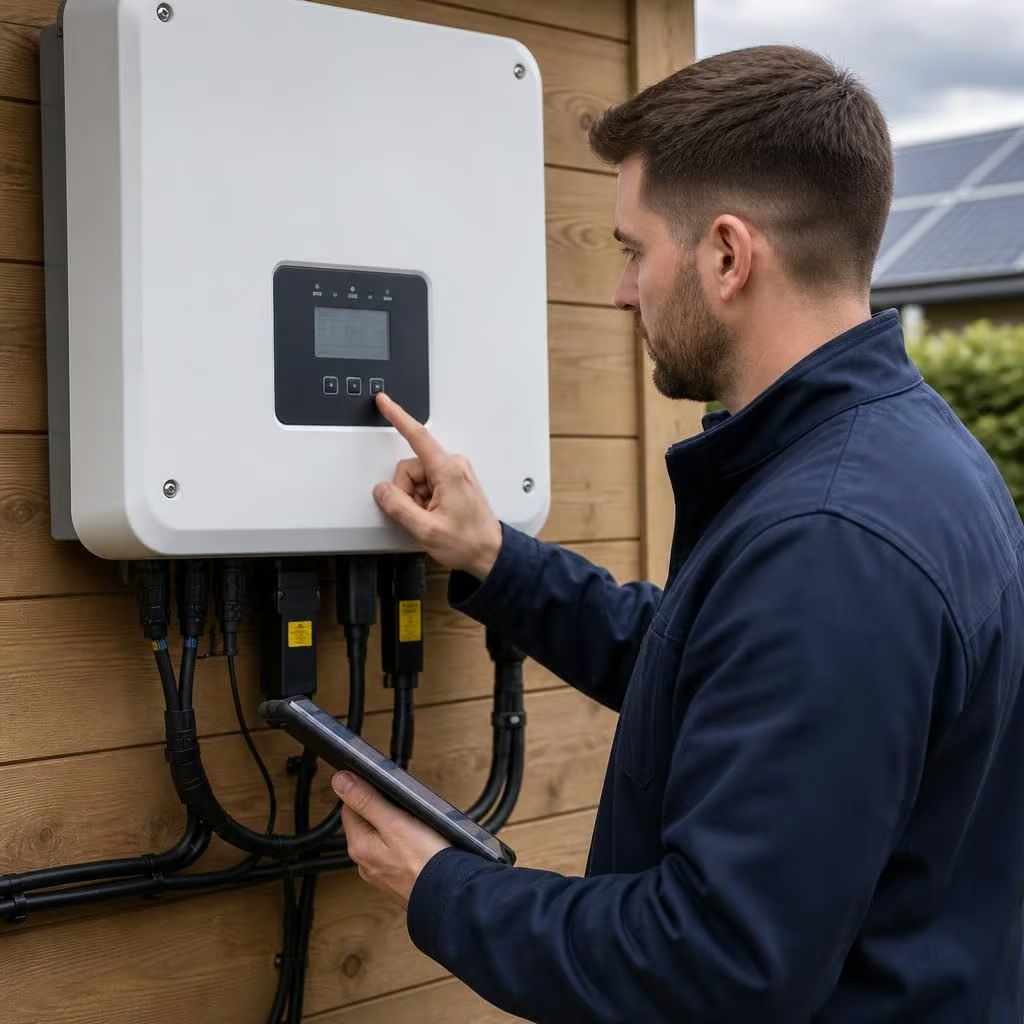
What the fault code tells you
The code describes what the inverter has detected at that moment. It does not prove that the inverter itself has failed. An AC supply issue, damaged panel cable or communication fault can produce a similar warning.
Compare the display with the monitoring app before drawing conclusions. If the app has stopped updating but the inverter shows normal operation, the panels may still be generating. If the display shows a persistent fault and generation has stopped, we need to test the system rather than rely on the message alone.
Keep the code and its time of appearance for us. That record can show whether the problem follows a power interruption, rain, temperature change or a particular generation period.